AI-based motion monitoring
Apple Watch sensor data flows in the background to the AI, which compares it with medically evaluated patterns.
Case study · Salusmo
Salusmo uses Apple Watch sensors and AI to watch motion patterns, and alerts you to unusual asymmetry. We have been building it since the very first prototype, which needed a sensor on each limb: today a single watch is enough.
Try it
The challenge
Sudden weakness on one side always deserves attention. Salusmo aims to make that sign noticeable in everyday life, and to make this possible for everyone.
Early signs get missed
Sudden weakness on one side of the body is an early sign that always deserves attention, yet it often goes unnoticed in time.
Motion analysis lives in the lab
Precise motion measurement usually needs a clinical setting and several body-worn sensors, which is hard to carry into everyday life.
A warning, not a diagnosis
A health awareness app has to be taken seriously and still make it clear that it does not replace a doctor.
Where it started
Four sensors, one on each limb.
That is how the first prototype measured motion asymmetry. Accurate, but not everyday.
The journey
We have built the Salusmo iOS app from the start. Step by step it took fewer devices and more intelligence.
4sensors
The work started with the very first prototype: measuring motion asymmetry meant placing a separate sensor on each of the four limbs.
AImodel
MotionScan trains the model with medical professionals on clinically validated motion data. We built the data collection around it and the path of every measurement to the AI and back.
1Apple Watch
Users only need to wear their Apple Watch. Measurement runs in the background, and the result shows up on the watch and the phone.
How it works
Users see a simple flow: they wear the watch, and get a guided notification only when motion looks unusual.
Real screens from the shipped app and the approved design, with a test account.
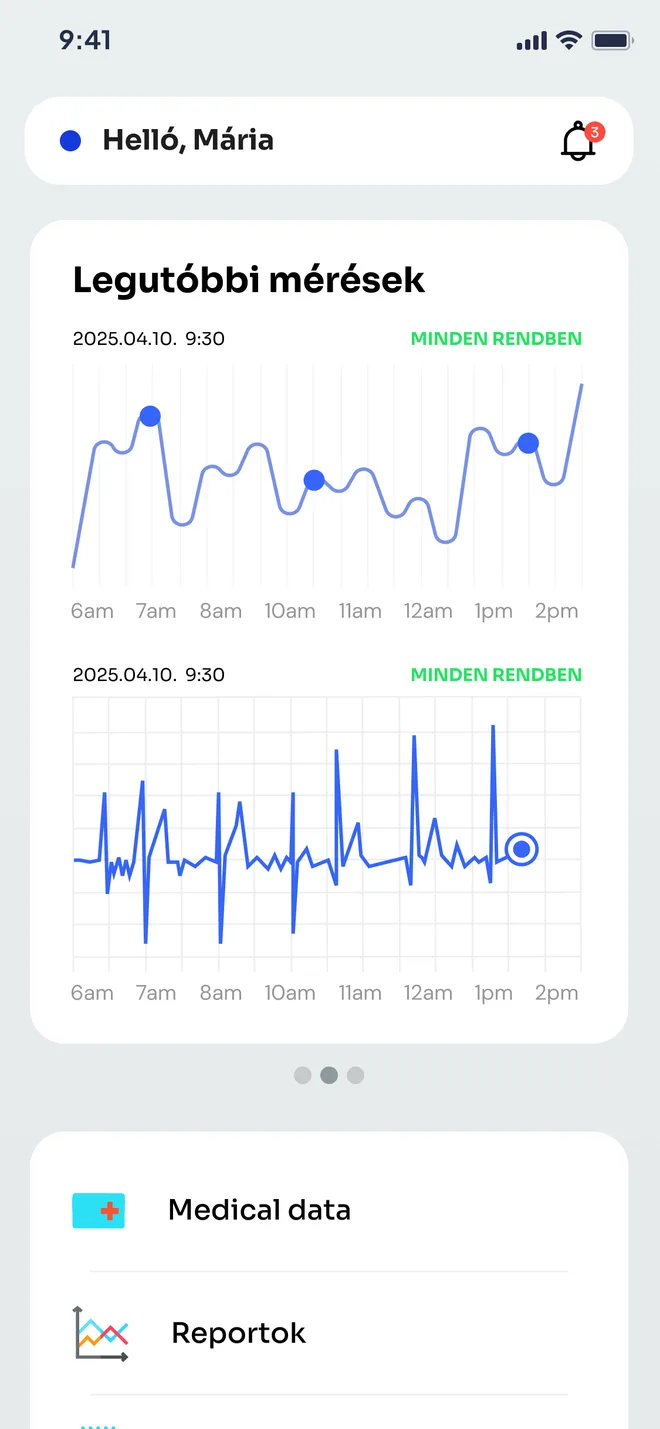
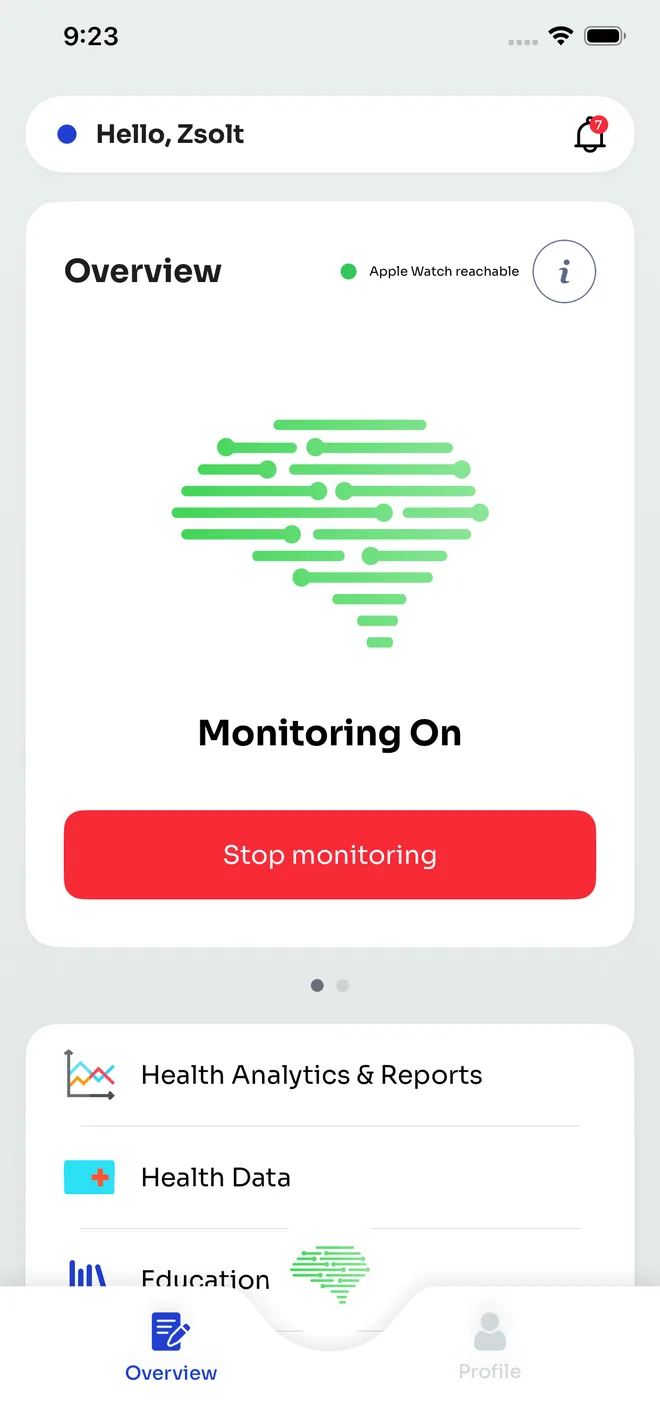
No extra device and nothing to do: Salusmo watches motion patterns on the Apple Watch you already wear.
The phone shows the watch is reachable and monitoring is on. When all is well, the app stays out of the way.
When an unusual asymmetry shows up, a guided notification arrives on the watch and the phone.
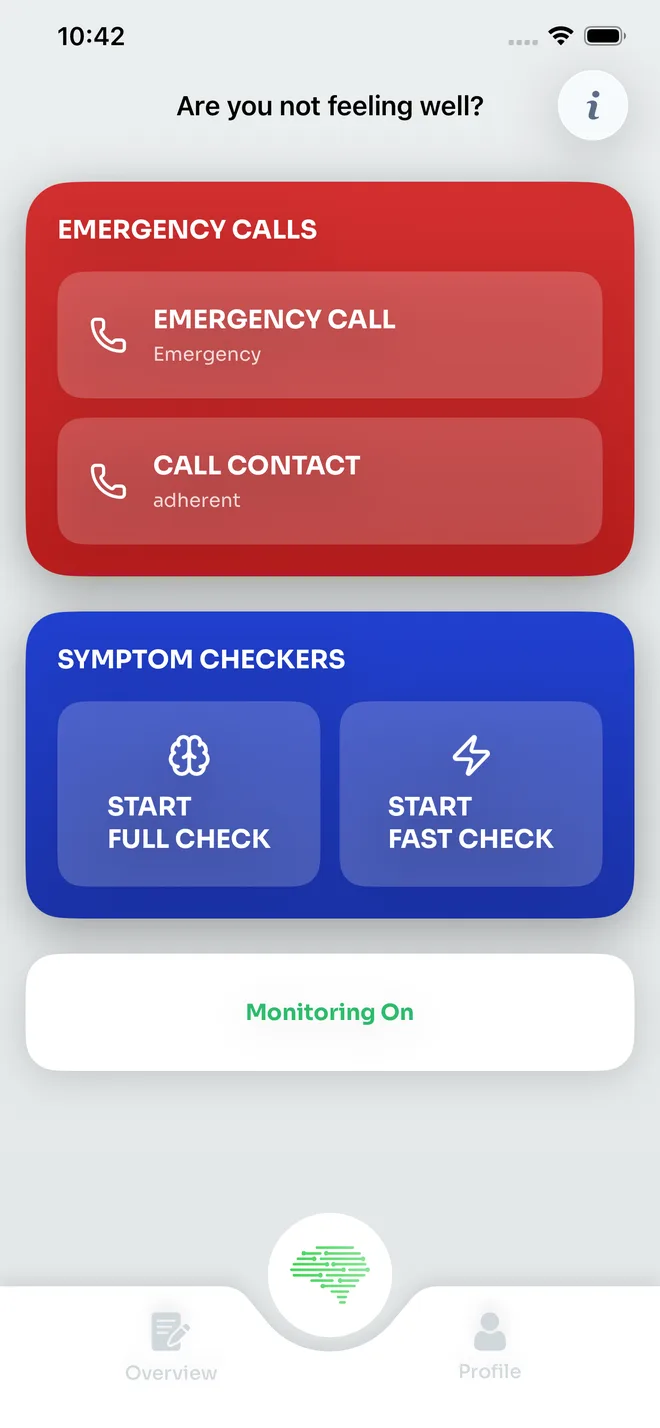
A Fast Check in under a minute, or a full symptom check, guided step by step.
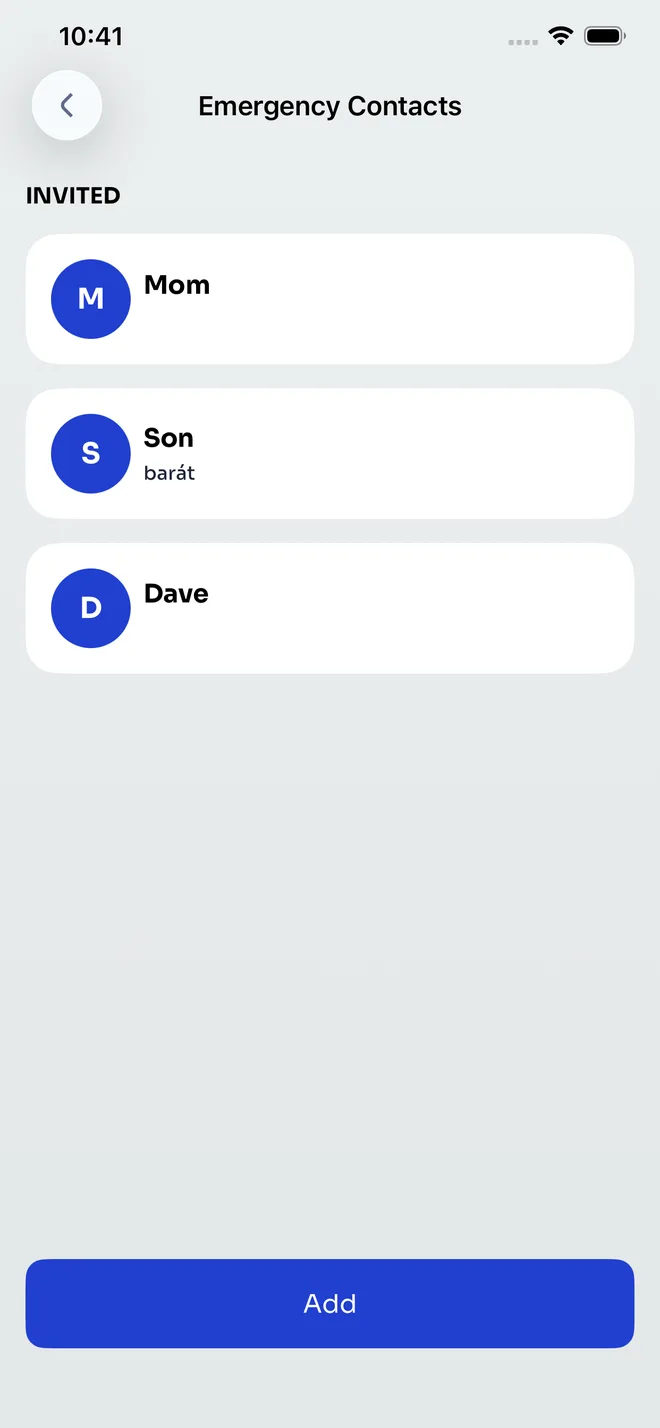
Based on the result, the app informs you, and emergency services or a family member are one tap away.
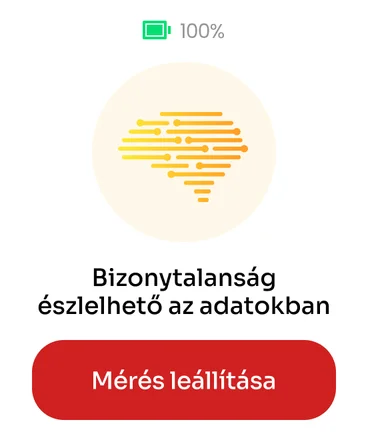
Apple Watch
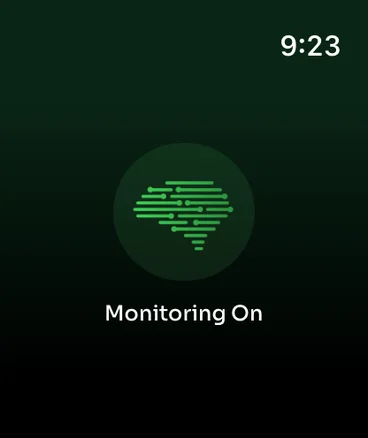
A watch has no room for long text. Salusmo uses colour to show where the measurement stands, and the next step is always one button away: start or stop the measurement.
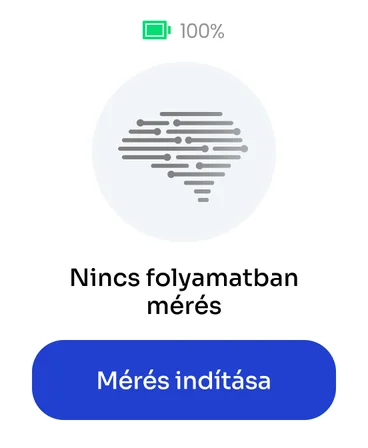
No measurement
Monitoring is paused and starts with one tap.
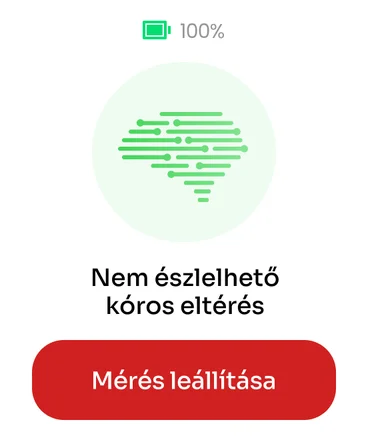
All good
No abnormal deviation detected.
Uncertain
The data is unclear and worth a check.
Features
Everything below is part of the shipped app.
Apple Watch sensor data flows in the background to the AI, which compares it with medically evaluated patterns.
An on-demand motion check in under a minute, anywhere. The full symptom check guides you through questions and movement tasks.
When motion looks unusual, the app checks in to ask if you are okay. You can answer (“I’m fine” or “Test me”) right from the notification.
Invited family and friends, plus one-tap emergency calls and contact calls from the “Not feeling well?” screen.
Previous checks with colour and date, measurements on 24-hour, 7-day and 30-day charts, alongside the configured sensitivity and risk factors.
A connection to the Apple Health ecosystem, so basic fitness metrics such as heart rate and step count are part of the picture.
Expert-curated content on the possible causes of motion asymmetry, risk factors and when to seek medical help.
Responsibility
In a health app, precise communication matters as much as the technology. Salusmo builds awareness and encourages timely action, and leaves the decision to the doctor.
Not a diagnostic tool
The app says so on its very first screen: if you feel unwell, see a doctor even if the app shows nothing.
Encrypted health data
Data is encrypted and stored securely, in line with GDPR and applicable privacy regulations.
The user stays in control
Health permissions are requested when they are needed, and users remain in control of their data at all times.
Free
Download and basic features, with symptom checks to try.
Solo Mini
48-hour continuous monitoring sessions for periodic checkups.
Solo Guardian
Unlimited 24/7 monitoring with full Fast Check access.
Engineering
Salusmo is more than an app: the watch, the phone, the data pipeline, the AI and the admin all work together. We took development from the first prototype to the App Store release, and we maintain it today.
Native watchOS and iOS apps
Background measurement on the watch, a reliable watch–phone connection, and edge cases like a drained watch or overnight measurement handled.
Measurement data pipeline
A data collection API and a Kafka-based stream on Azure that continuously delivers sensor data to the AI evaluation.
AI integration
Connecting MotionScan’s AI service: passing sensitivity and risk factors, and mapping its responses to charts and states.
Admin interface
Users, subscriptions and reports managed in a web admin, with reports generated in the user’s language.
Subscriptions
A free tier and two subscription levels, with expiry and per-plan limits handled.
Testing and release
A dedicated tester on the team, Crashlytics monitoring, automated builds and the full App Store review process.
Business and technical discovery
Specification and solution design
Iterative development
Testing and rollout
Long-term support
More case studies
Fintech, media, business systems, education: different industries, the same team and the same standards.

A subscription-based learning platform with hundreds of video lessons and masterclasses, on any device.

A sales support system on SAP Business One, running on tablets and phones for a nationwide field sales team.

Native Android and iOS app with live radio streaming, track and show information for Hungary's leading radio station.
Contact
Let's talk. We'll help you see the options and find the solution that fits you best.
Or write to us directly: business@codeyard.eu

We value your privacy
We use cookies to enhance your browsing experience, serve personalised ads or content, and analyse our traffic. By clicking "Accept all", you consent to our use of cookies. Privacy policy.